



Nobody calls a dental practice to say, "I tried your website, but it was too slow, so I booked somewhere else." They just leave. That is what makes dental website speed easy to ignore and expensive to get wrong. The cost shows up as appointments you never knew you could have had.
This post explains why speed matters, how to check yours for free in a couple of minutes and what usually slows a practice site down. It is general advice for any practice. We also cover the wider picture in what a dental website needs before a new patient books.
Does website speed matter for a dentist?
Yes, mainly because of who is visiting and when. Patients often look for a dentist on a phone, in a hurry, with a toothache or a free ten minutes. They are not patient with a page that shows a blank screen.
You will find many figures online about how much each second of delay costs. Most come from general studies or from companies selling speed work, so we will not quote them. The plain version is enough. A slow page makes a person less likely to stay, and a person who stays less is less likely to book. Google also looks at how pages load as one of many signals, so a faster site helps your chances in dentist near me searches a little as well.
How do I check how fast my dental website is?
Use Google's free tool, PageSpeed Insights. Type your home page address into the box, press Analyze and wait half a minute. Run it for your busiest service page as well, since many patients land there instead.
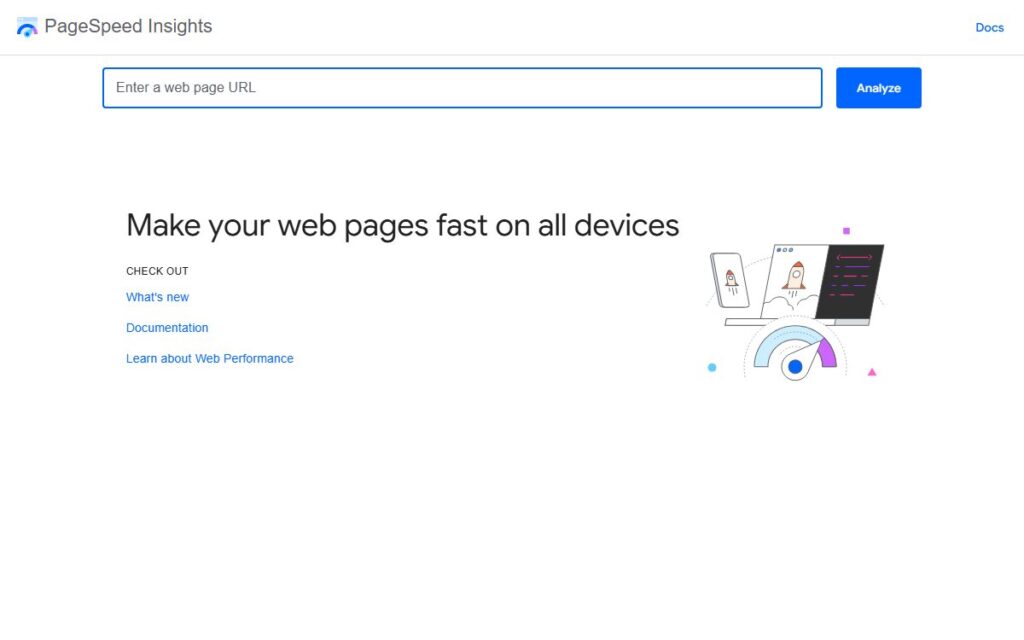
Look at the mobile tab first. That is how most of your patients will see the site. The result has two parts worth knowing about:
- Real user data. If your site has enough visitors, Google shows how it behaves for real people. This is the part to trust most. A small practice site may not have enough traffic to show it.
- The test result. A score and a list of timings from a simulated visit. It is useful for spotting problems, but do not chase a perfect number. A practice site that feels quick and books patients is doing its job.
Then open your site on your own phone, on mobile data rather than office Wi-Fi, and tap around. If you feel yourself waiting, so does everyone else.
What makes a dental website slow?
The same few things come up again and again on practice sites:
- Huge photos. A team picture straight from a camera can be many times larger than it needs to be.
- Chat, booking and review widgets. Each one loads extra code from another company, even for visitors who never use it.
- Video backgrounds and sliders. Pretty, and heavy.
- Too many plugins. Old ones nobody uses still load on every page.
- An out of date site. Missed updates can slow it down and also leave it open to problems.
- Slow hosting. Cheap shared hosting can struggle when several visitors arrive at once.
Notice that most of these are choices, not accidents. That is good news, because choices can be changed.
Want more inquiries from your website?
We'll look at your website and rankings and tell you plainly what we would fix first. No charge and no sales pitch.
How can a practice make its website faster?
Start with the cheap fixes and work down.
- Resize and compress every photo before it goes on the site.
- Keep only the widgets that earn their place. If your booking system is the only one patients use, remove the rest.
- Delete plugins and old pages you no longer need.
- Replace the auto playing video with one good still photo of your real office.
- Keep the site updated and backed up on a regular schedule.
- Ask your web host or developer whether the hosting plan matches your traffic.
If the site was built on a heavy template, small fixes may only help a little. At that point a rebuild with clean website design and development is more honest than patching. Hosting is separate from our work, so we would talk you through the options rather than sell it.
Speed is one part of a site that books patients
Speed gets the visit started. The page has to do the rest. A quick site with unclear services and a hidden booking button still loses people. So the work fits together. Good website design sets up fast, clear pages. SEO and local SEO bring the right patients to them. Conversion rate optimization makes the booking step easy, and a website care plan keeps the site updated so it stays quick.
You can read more on our pages for dental website design and dental SEO. This is general advice for any practice.
In short
A slow site loses patients quietly. Check yours on a phone and in PageSpeed Insights, fix the photos and widgets first and keep the site updated. Then make sure the pages are clear and booking is easy.
Want us to take a look? Try our free SEO audit or message us on WhatsApp.
Want more inquiries from your website?
We'll look at your website and rankings and tell you plainly what we would fix first. No charge and no sales pitch.